Minecraft Realms explained: Realms, Realms Plus and Realms Pro
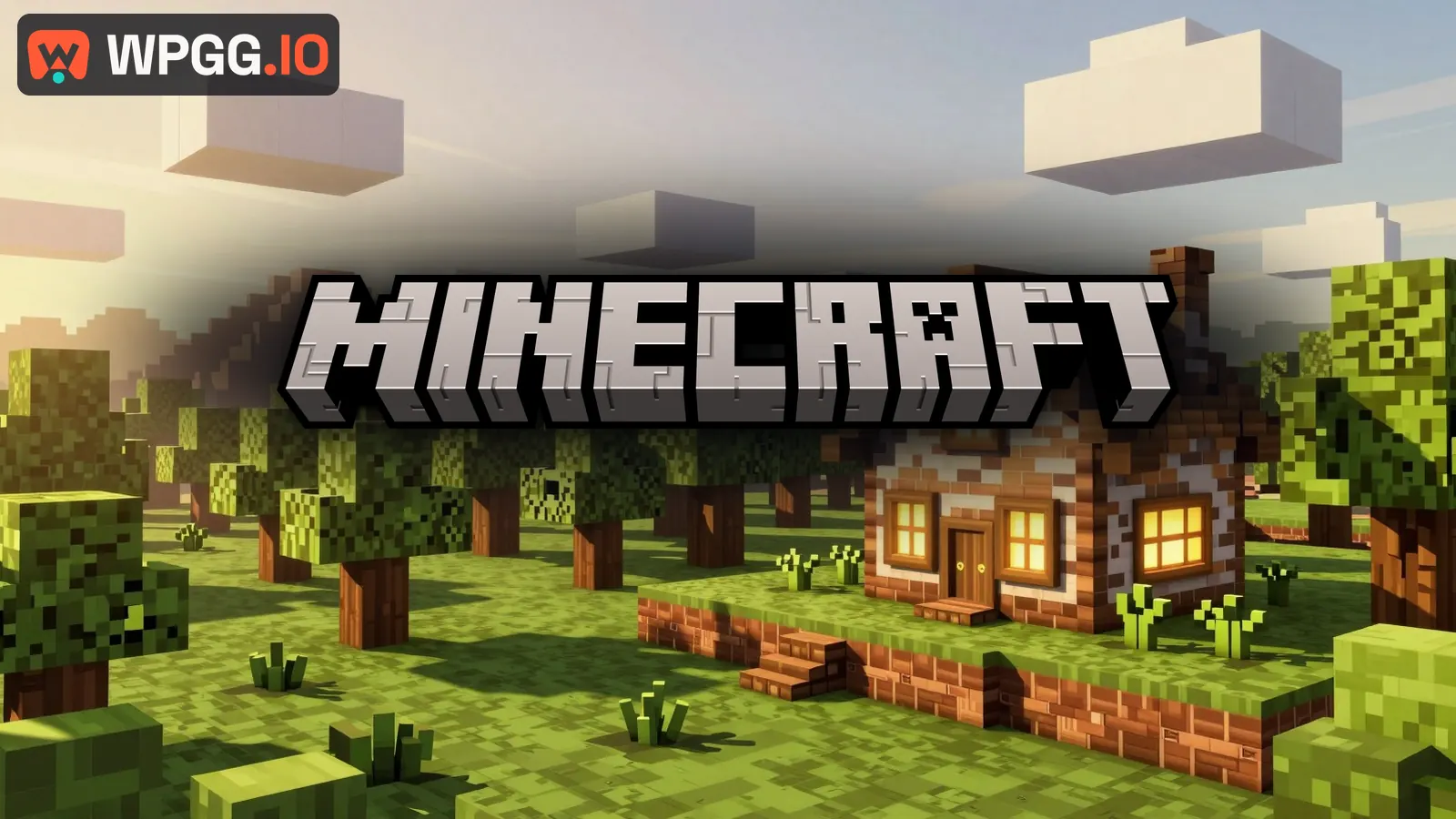
Realms is Mojang’s own server service: private Minecraft servers that Mojang runs for you. The official description is friendly and accurate: servers run by them, just for you and your friends. No port forwarding, no hosting bill, no admin work; you subscribe, create a world, and invite people.
How the tiers differ
- Realms: a personal server for you and your invited friends, with up to 10 players online at the same time. Both Java and Bedrock get their own Realms, and the worlds stay inside their edition.
- Realms Plus: the Bedrock tier that bundles a Realms server with a rotating library of Marketplace content, playable locally or on your Realm, with the same 10-player cap for the Realm itself.
- Realms Pro: the newer Bedrock tier for communities, announced with dedicated hosting for up to 50 players at once, advanced admin controls and more save storage.
Invites work by name from inside the game, and a Realm keeps its world running on Mojang’s hardware whether or not you are online, so friends play on their own schedules. Backups are handled for you, which is the quiet reason many long-term worlds live on Realms.
Realms or a hosted server?
Realms wins on convenience and safety for a friends group; a self-hosted or rented server wins on size, mods and plugins, since Realms runs the unmodified game only. The trade-off page is hosting your own server; for simply joining friends, see joining a server. Editions never mix: a Java Realm connects to Java clients only, per the edition rules.
FAQ
How many friends can join at once?
Up to 10 players at a time on Realms and Realms Plus; Realms Pro raises that to 50 on a dedicated server.
Do Realm worlds expire?
The subscription keeps the world stored. Expired subscriptions hold the world for a grace period rather than deleting it, and renewing restores play.
Can Java and Bedrock players share one Realm?
No. Each edition has its own Realms system and its own subscription. Cross-edition play does not exist.